


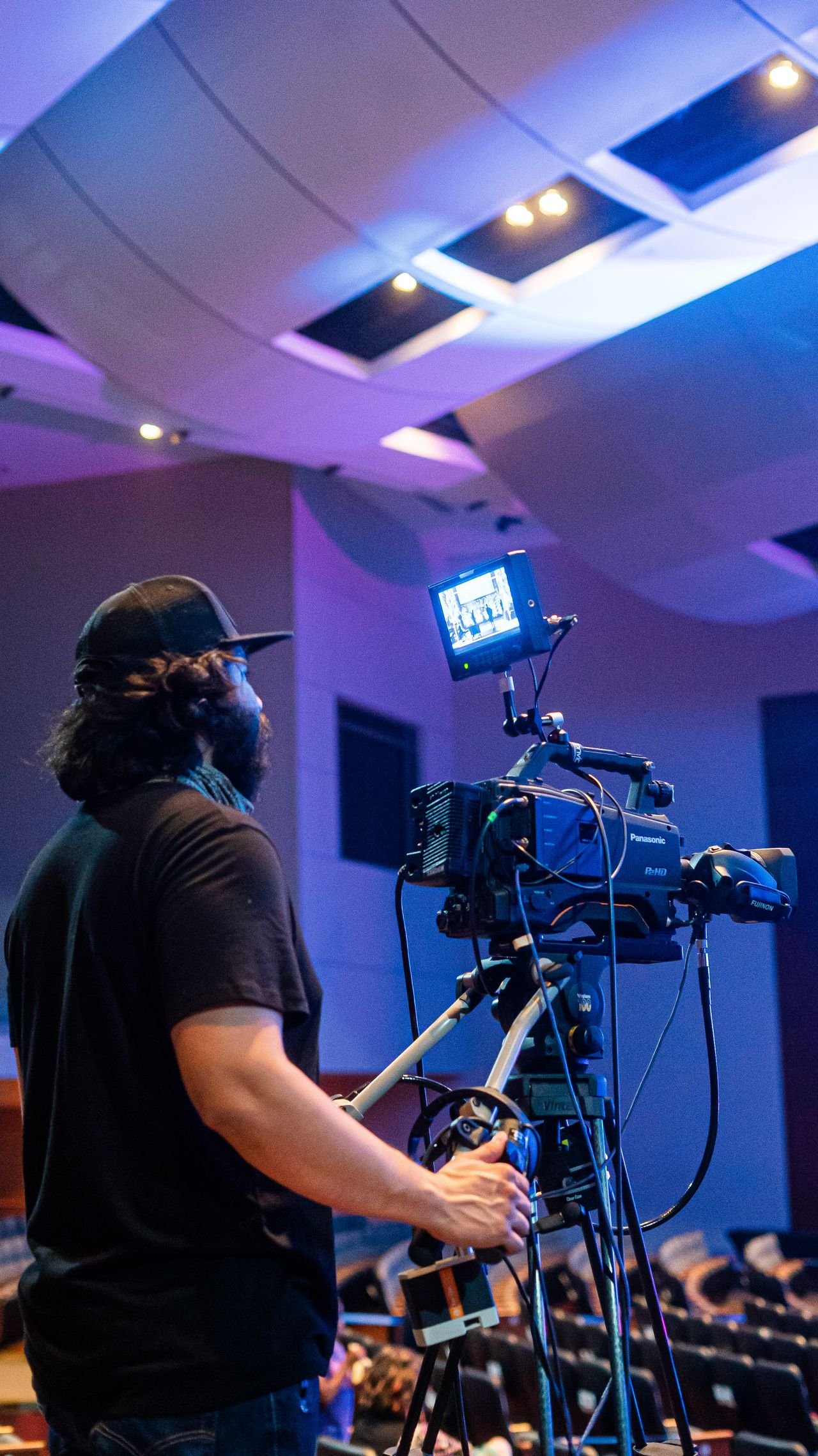
Learning video production skills can help you turn a simple idea into a clear, engaging, and well-organized video. Whether you are creating educational content, interviews, tutorials, documentaries, business presentations, or social media videos, understanding the production process can make your work more effective.
Video production is not only about owning a good camera. A successful project usually involves several connected abilities, including planning, storytelling, camera operation, lighting, audio recording, editing, and organization.
The good news is that beginners can develop these abilities gradually. You can start with equipment you already have, practice individual techniques, and improve your results through small projects.
This guide explains the main areas of video production and provides practical ways to develop your skills.
What Are Video Production Skills? 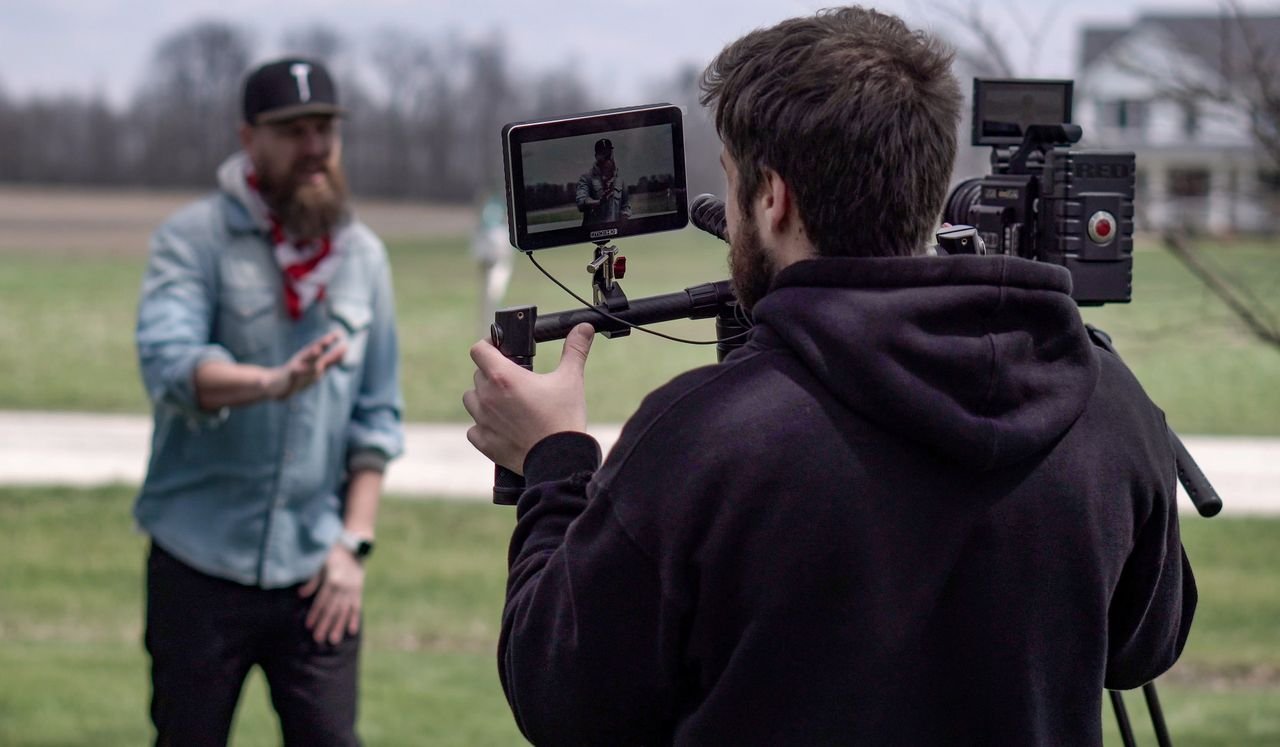
Video production skills are the abilities used to plan, create, edit, and prepare video content for an audience.
The process normally begins before the camera is turned on. A creator may first develop an idea, identify the audience, write a script, choose a location, and prepare a shot list.
After recording, the project moves into post-production, where footage and audio are organized, edited, corrected, and exported.
Important areas include:
- Storytelling
- Scriptwriting
- Pre-production
- Camera operation
- Composition
- Lighting
- Audio recording
- Directing
- Video editing
- Color correction
- File organization
- Exporting and publishing
A solo creator may handle all of these responsibilities, while a larger production can divide them among several specialists.
Why Video Production Skills Matter
Video allows information to be presented through a combination of images, sound, movement, text, and narration.
For example, a written explanation of how something works may be useful, but a video can demonstrate the process visually. Similarly, an interview can communicate not only words but also facial expressions, tone, and surrounding context.
Developing production skills can therefore help creators communicate ideas more clearly.
However, technical quality should support the purpose of the video rather than replace it. A video with expensive equipment can still be ineffective if its message is confusing or poorly organized.
1. Storytelling and Idea Development
One of the most important video production skills is knowing how to turn an idea into a clear story or explanation.
Before recording, identify the main purpose of the project.
Ask yourself:
- What is this video about?
- Who will watch it?
- What should the viewer learn or understand?
- What information is essential?
- What can be removed?
- What type of visual material will support the message?
For example, a tutorial should normally guide viewers through a process in a logical order. An interview may focus more on questions, answers, and supporting footage.
A clear purpose makes later production decisions easier.
Create a Simple Structure
A basic structure can include:
Opening: Introduce the subject.
Main section: Explain or demonstrate the important information.
Supporting material: Add examples, demonstrations, graphics, or additional footage.
Ending: Summarize the main point and provide a natural conclusion.
The exact structure can change depending on the project, but planning the basic flow before filming can save considerable editing time.
2. Pre-Production Planning
Pre-production is everything that happens before the main recording begins.
Good planning is one of the easiest ways to avoid unnecessary problems.
A simple production plan may include:
- Topic and objective
- Script or outline
- Location
- People involved
- Equipment
- Lighting requirements
- Audio requirements
- Shot list
- Recording schedule
- Backup plan
For a small project, this could be a one-page document. A larger production may require much more detailed planning.
Build a Shot List
A shot list identifies the footage you need to capture.
For an interview, for example, you might plan:
- Wide establishing shot
- Medium interview shot
- Close-up
- Relevant B-roll
- Location details
- Hands or object details
The list helps prevent a common problem: finishing the recording and discovering that an important shot was never captured.
3. Camera Operation
Understanding your camera is another important part of the production process.
Whether you use a smartphone, mirrorless camera, DSLR, or professional video camera, learning its basic controls can give you more creative control.
Important concepts include:
- Exposure
- Focus
- Aperture
- Shutter speed
- ISO
- White balance
- Frame rate
- Resolution
- Lens choice
You do not need to master every setting immediately. Start with the controls that have the biggest effect on your particular type of video.
Understanding Exposure
Exposure describes how much light is recorded by the camera.
Aperture, shutter speed, and ISO can all influence exposure, but they also affect other aspects of the image.
For example, aperture can influence depth of field, while shutter speed affects the way motion is captured.
Understanding these relationships is more useful than simply memorizing camera settings.
4. Composition and Framing
Composition determines how subjects and objects are arranged inside the frame.
A well-composed shot can help viewers understand what deserves their attention.
Common techniques include:
- Rule of thirds
- Leading lines
- Symmetry
- Negative space
- Foreground elements
- Background separation
- Balanced framing
For example, when recording an interview, leaving appropriate space in the direction the person is looking can create a more natural composition.
Composition should always serve the subject and purpose of the shot.
5. Lighting Techniques
Lighting can dramatically affect the appearance of a scene.
A creator can work with natural daylight, artificial lights, or a combination of both. The important thing is understanding how the position and intensity of light affect the subject.
A traditional three-light arrangement uses:
Key Light
This is the primary light illuminating the subject.
Fill Light
A fill light can reduce the intensity of shadows created by the main light.
Back Light
A back light can help separate the subject from the background.
Not every project needs a complete three-light setup. A beginner may achieve useful results by simply positioning a subject near a suitable window and controlling unwanted shadows.
The best lighting setup depends on the location, subject, equipment, and creative goal.
6. Audio Recording
Audio is one of the most important parts of a video.
A viewer may accept relatively simple visuals, but unclear speech or distracting background noise can make the content difficult to understand.
Useful audio techniques include:
- Positioning the microphone appropriately
- Monitoring sound with headphones
- Recording at suitable levels
- Reducing unnecessary background noise
- Choosing the right microphone for the situation
- Checking recordings before leaving the location
If you are recording an interview, placing the microphone appropriately can make a significant difference.
Always perform a short test recording before starting the full session.
7. Directing and Communication
Not every creator works alone.
A production may involve presenters, interview subjects, camera operators, editors, assistants, or other contributors. Clear communication can make the process more efficient.
Useful communication habits include:
- Giving simple instructions
- Explaining expectations before recording
- Listening to contributors
- Keeping everyone informed about timing
- Giving respectful feedback
- Staying organized
Even a solo creator benefits from communication skills when arranging interviews, locations, permissions, or collaborations.
8. Video Editing Skills
Editing is where individual clips are transformed into a complete production.
Common editing tasks include:
- Selecting useful footage
- Removing unnecessary sections
- Arranging clips
- Cutting between shots
- Improving dialogue
- Adding titles
- Adding captions
- Adjusting color
- Balancing audio
- Exporting the finished project
There are many editing applications available, ranging from beginner-oriented programs to advanced professional software.
For software documentation and current editing features, it is useful to consult the official documentation of the application you use.
Edit for Clarity
A common beginner mistake is adding too many effects.
Transitions, animations, filters, and sound effects should have a purpose. If an effect distracts viewers from the information, it may be better to remove it.
Good editing often feels natural because the viewer can concentrate on the story rather than the editing itself.
9. Color Correction and Color Grading
Color correction and color grading are related but different processes.
Color correction focuses on making footage technically consistent. This can involve exposure, white balance, contrast, and color adjustments.
Color grading is more concerned with creating a particular visual appearance or mood.
For beginners, consistency should usually come first.
If two clips from the same scene have noticeably different brightness or color, correcting that difference can be more useful than applying a dramatic visual effect.
10. File Management and Backups
File organization is another valuable production habit.
A project can contain dozens or even hundreds of files, depending on its size.
A simple folder system might look like this:
- Footage
- Audio
- Graphics
- Music
- Project Files
- Exports
- Backups
Use descriptive filenames and keep backup copies of important files.
Losing recorded footage can create major problems, especially when a scene or interview cannot easily be recorded again.
11. Understanding Video Formats
Creators should understand a few basic technical terms.
Resolution
Resolution describes the dimensions of the video image. Common examples include HD and 4K.
Aspect Ratio
Aspect ratio describes the relationship between the width and height of the frame.
A traditional widescreen video and a vertical mobile video use different proportions.
Frame Rate
Frame rate describes how many individual frames are displayed each second.
Different frame rates can produce different motion characteristics and may be appropriate for different production goals.
Codec and Container
A codec determines how video data is encoded and compressed, while a container is the file format that holds video, audio, and related information.
Understanding these basics can make exporting and sharing video less confusing.
12. How to Develop Video Production Skills
The best way to improve is to combine learning with practical work.
Start With Available Equipment
You do not necessarily need a professional camera to begin learning.
A smartphone can provide an opportunity to practice:
- Composition
- Storytelling
- Lighting
- Audio
- Camera movement
- Editing
Once you understand the limitations of your current equipment, you can make more informed decisions about future purchases.
Practice One Skill at a Time
Trying to learn everything simultaneously can become overwhelming.
Instead, choose one skill for each project.
For example:
Project 1: Practice composition.
Project 2: Concentrate on audio.
Project 3: Experiment with lighting.
Project 4: Focus on editing and pacing.
This approach makes it easier to identify what needs improvement.
Study Reliable Resources
When learning technical subjects, use trustworthy resources rather than relying on random information.
For example, the official documentation and educational resources from Adobe can help users understand video editing and creative software.
For information about YouTube publishing and platform features, creators can consult YouTube Help.
For general guidance on creating useful content for search users, Google Search Central provides official documentation.
These resources can change as software and platforms are updated, so checking current documentation is preferable to relying on outdated tutorials.
Common Video Production Mistakes
Beginners can improve faster by recognizing common problems.
Recording Without a Plan
Starting the camera without knowing what footage is required can create unnecessary editing work.
Ignoring Audio
Poor audio can reduce the usefulness of otherwise good footage.
Using Too Many Effects
Visual effects should support the message instead of competing with it.
Forgetting Backup Copies
Important footage should be stored safely, particularly when it cannot easily be recreated.
Choosing Equipment Before Understanding the Need
Buying equipment without understanding the actual production problem can lead to unnecessary expenses.
First identify what is limiting your work. Then consider whether a new tool can realistically solve that limitation.
Equipment or Skills: Which Should Come First?
Equipment can influence technical quality, but it does not replace production knowledge.
A more expensive camera will not automatically produce better storytelling, composition, lighting, or editing decisions.
For beginners, learning the fundamentals can make existing equipment more useful.
Later, equipment upgrades can be considered when there is a specific need, such as improved low-light performance, better audio connections, a particular lens, or a more suitable recording format.
Advantages and Limitations of Video Production
Developing production abilities can provide useful creative and communication skills. Video can be used for education, documentation, presentations, entertainment, business communication, and many other purposes.
However, production can also require substantial time.
A short finished video may involve planning, setup, recording, file organization, editing, revisions, and exporting.
There can also be costs associated with cameras, microphones, lights, computers, storage, and software.
Understanding these limitations helps creators plan projects realistically.
Practical Checklist Before Recording
Before pressing the record button, check the following:
- Is the purpose of the video clear?
- Is the location suitable?
- Is the camera battery charged?
- Is there enough storage?
- Is the subject properly framed?
- Is the lighting acceptable?
- Is the microphone connected correctly?
- Have you made a test recording?
- Is the shot list ready?
- Do you have a backup plan?
A short checklist can prevent problems that may otherwise become expensive or difficult to correct.
Frequently Asked Questions
What are the most important video production skills for beginners?
Beginners should start with storytelling, planning, composition, camera basics, lighting, audio, and editing. These areas provide a strong foundation for more advanced production work.
Can I learn video production using a smartphone?
Yes. A smartphone can be useful for practicing framing, storytelling, lighting, audio, camera movement, and editing. It can provide a practical starting point before investing in specialized equipment.
Is video editing an important production skill?
Yes. Editing is a major part of the production process because it brings recorded footage and audio together into a coherent final presentation.
Do I need an expensive camera to create good videos?
No. Equipment can affect technical quality, but production decisions such as storytelling, lighting, composition, and audio also have a significant effect on the final result.
How can I improve my video production skills?
Create small projects regularly, study reliable educational resources, review your finished work, identify weaknesses, and practice individual techniques. Improvement generally comes from combining knowledge with repeated practical experience.
Conclusion
Strong video production skills are built from several connected abilities rather than one technical trick. Planning, storytelling, camera operation, composition, lighting, audio, editing, and organization all contribute to the finished result.
Beginners can start with simple equipment and focus on learning the fundamentals before investing in more advanced tools. Small projects provide an effective way to practice, identify mistakes, and gradually develop confidence.
Most importantly, every production should have a clear purpose. Technical choices should support the message and the audience rather than becoming the main focus. With thoughtful planning and consistent practice, creators can develop a more reliable production workflow and produce clearer, more useful videos.