


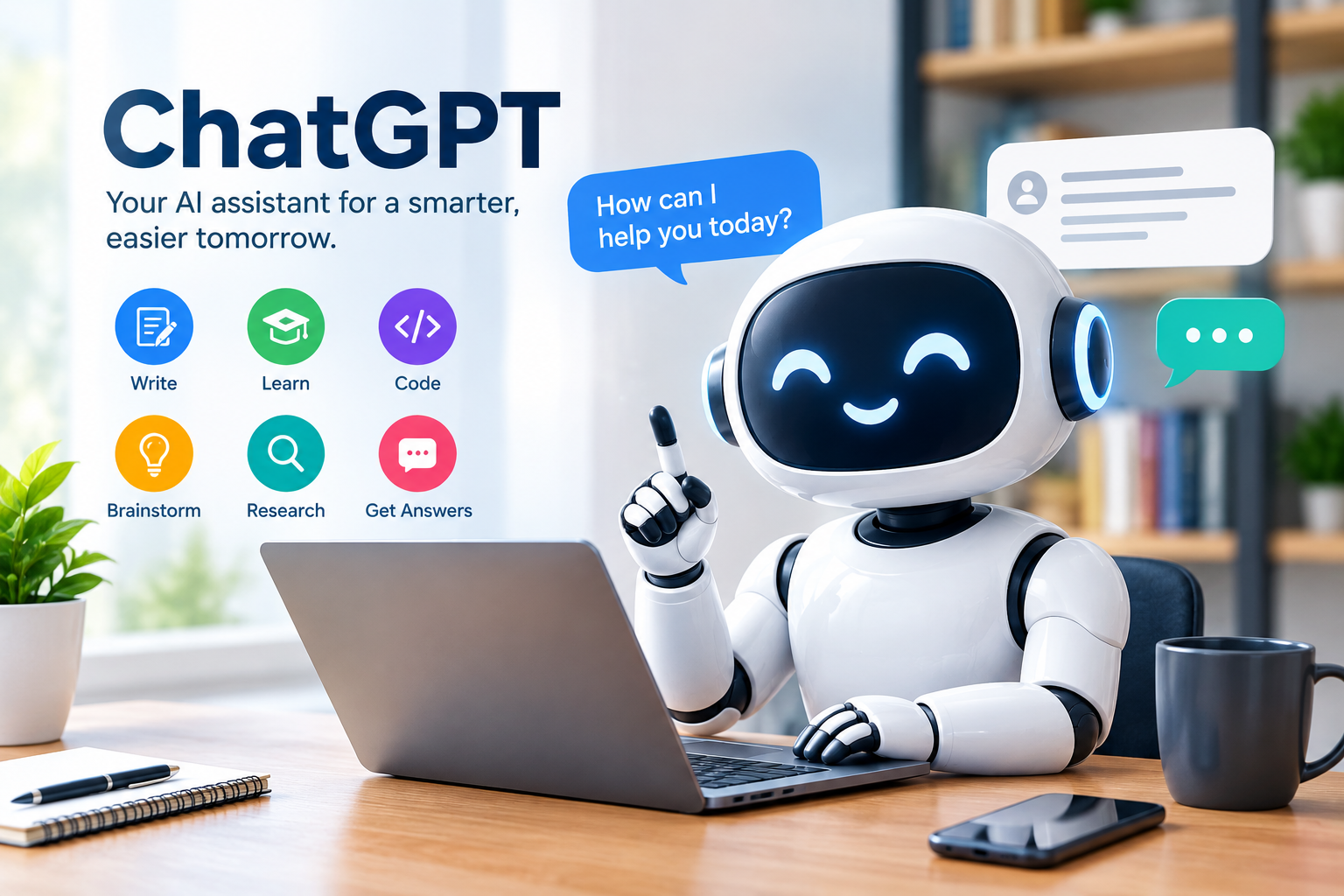
ChatGPT is an artificial intelligence assistant that can help people with a wide range of everyday tasks, including writing, learning, brainstorming, coding, research, planning, summarizing information, and answering questions. It is designed to understand natural-language instructions and respond conversationally. 
As artificial intelligence becomes more common, understanding how ChatGPT works and how to use it responsibly has become increasingly useful. The tool can save time and help people organize ideas, but it can also produce incorrect information, so users should review important answers and verify facts when accuracy matters.
This guide explains what ChatGPT is, how it works, what people can use it for, its main benefits and limitations, privacy considerations, and practical tips for getting better results.
What Is ChatGPT?
ChatGPT is an AI-based service developed by OpenAI. Users can interact with it through natural-language conversations instead of relying on complicated commands.
A person can ask a question, provide instructions, request an explanation, or give the system information to work with. ChatGPT can then generate a response based on the conversation and the instructions provided.
According to OpenAI, ChatGPT can be used for tasks such as brainstorming, writing, studying, planning, mathematics, coding, and analyzing images or files. Some capabilities depend on the user’s plan and the features currently available.
For example, a user could ask:
- “Explain artificial intelligence in simple English.”
- “Help me create an outline for a blog post.”
- “Rewrite this email professionally.”
- “Explain this Python error.”
- “Summarize these notes.”
- “Give me five ideas for a school project.”
The usefulness of the response often depends on how clearly the user describes the task.
How Does ChatGPT Work?
ChatGPT is powered by artificial intelligence models that are trained to understand and generate language. OpenAI explains that its foundation models are developed using several sources of information, including publicly available information, information obtained through partnerships, and information provided or generated by users, human trainers, and researchers.
The model learns patterns in large amounts of information and uses those learned patterns to generate responses to instructions.
This does not mean that ChatGPT simply searches a database and copies an answer. The system generates a response based on the information and patterns it learned during training, together with the context of the current conversation.
Understanding User Instructions
The way a question is written can make a significant difference.
For example:
Less specific prompt:
“Write about technology.”
More specific prompt:
“Write a 700-word beginner-friendly article explaining how smartphones have changed communication. Use H2 headings and short paragraphs.”
The second prompt provides more information about the subject, audience, length, and format.
Using Conversation Context
ChatGPT can use context from earlier messages within a conversation. This makes it possible to ask follow-up questions without repeating everything.
For example, you can first request an article outline and then ask for an introduction, followed by a conclusion and proofreading.
This conversational approach can make larger tasks easier to manage.
What Can ChatGPT Be Used For?
There are many legitimate and practical uses for ChatGPT.
1. Writing and Editing
One common use is assistance with writing.
ChatGPT can help users:
- Create article outlines
- Improve grammar
- Rewrite sentences
- Change the tone of a message
- Summarize information
- Brainstorm ideas
- Draft emails
- Improve readability
- Organize notes
For example, a user could provide a rough paragraph and ask for it to be rewritten in clear professional English.
The final version should still be reviewed by the person who intends to publish or send it.
2. Learning and Studying
ChatGPT can also support learning.
A student or independent learner can ask for a difficult concept to be explained using simpler language. They can then ask follow-up questions or request practice questions.
For example:
“Explain photosynthesis for a beginner and then give me five questions to test my understanding.”
This approach can turn an AI conversation into an interactive learning session.
However, students should follow the academic rules of their school or institution when using AI for assignments.
3. Coding and Programming
Developers and beginners can use ChatGPT to discuss programming problems, explain code, understand errors, and explore possible solutions.
For example, a beginner learning Python could ask:
“What is a Python function? Explain it simply and give me two examples.”
An experienced developer might provide a code snippet and ask the AI to identify possible problems.
AI-generated code should always be tested. A response that looks correct can still contain bugs, security problems, or assumptions that do not match the actual project.
4. Research and Information Organization
ChatGPT can help users organize research questions, summarize information, compare concepts, and identify areas that require further investigation.
When information is current or important, it is better to verify it using authoritative sources.
ChatGPT can also search the web in supported experiences and provide citations for current information.
5. Brainstorming Ideas
Sometimes the hardest part of a project is deciding where to start.
ChatGPT can generate ideas for:
- Blog topics
- Business content
- Study activities
- Project concepts
- Questions for interviews
- Presentation topics
- Creative writing
- Marketing content
The user can then select, modify, or reject the suggestions.
6. Translation and Language Practice
ChatGPT can assist with translation, vocabulary, grammar explanations, and language practice.
It can also explain why a particular sentence sounds formal, informal, natural, or unusual.
For official, legal, or highly sensitive documents, professional human translation may still be appropriate.
Benefits of ChatGPT
Saves Time
ChatGPT can help with repetitive tasks such as drafting, summarizing, outlining, and organizing information.
Instead of starting with a blank page, a user can create a first draft and then improve it.
Easy to Interact With
Users can communicate with ChatGPT using ordinary language. There is no need to learn a complicated command system.
Supports Different Tasks
One tool can assist with writing, learning, coding, brainstorming, analysis, and other activities.
This flexibility makes conversational AI useful for different types of users.
Provides Follow-Up Assistance
A user can continue asking questions about the same subject and request clarification, examples, or alternative explanations.
This can be particularly helpful when learning something unfamiliar.
Limitations of ChatGPT
Although ChatGPT can be useful, it is important to understand its limitations.
ChatGPT Can Make Mistakes
One of the most important limitations is that AI-generated answers are not guaranteed to be correct.
A response may sound confident while containing an incorrect fact, calculation, interpretation, or outdated detail.
For important information, verify the answer with reliable sources.
Current Information Can Change
Information such as laws, prices, product specifications, software features, schedules, and policies can change.
If the information is time-sensitive, check the relevant official source.
AI Does Not Replace Human Judgment
ChatGPT can assist with understanding information, but it should not automatically replace qualified professional advice.
This is especially important for significant medical, legal, financial, or safety decisions.
The Quality of the Prompt Matters
A vague question can produce a general answer.
A detailed prompt can provide more useful direction.
For example, instead of:
“Tell me about exercise.”
You could write:
“Explain the general benefits of regular physical activity for adults in simple language. Do not make medical claims and use five short sections.”
The second request gives the system clearer boundaries.
How to Write Better ChatGPT Prompts
Good prompts do not have to be complicated.
A useful prompt usually explains four things:
Task: What do you want?
Context: What information should the AI know?
Audience: Who is the answer for?
Format: How should the answer be presented?
For example:
“Write a 1,000-word beginner-friendly article about solar energy. Use simple English, H2 headings, short paragraphs, practical examples, and five FAQs.”
This is much more specific than:
“Write about solar energy.”
Give Relevant Information
If you want ChatGPT to edit something, provide the actual text.
If you want help with code, provide the relevant code and explain the problem.
If you want a summary, provide the material that needs to be summarized.
Clear context generally makes it easier to produce a useful response.
Ask for Improvements
You can ask ChatGPT to revise its response.
For example:
“Make this easier for beginners.”
Or:
“Make the introduction shorter and more professional.”
This allows you to refine the result instead of expecting the first response to be perfect.
ChatGPT and Privacy
Privacy is an important consideration when using any online service.
OpenAI provides data controls that allow users to manage whether their conversations are used to help improve models. On the web, signed-in users can go to Settings → Data Controls and turn off Improve the model for everyone. OpenAI says that when this setting is turned off, new conversations remain in chat history but are not used to train ChatGPT.
ChatGPT also offers Temporary Chat. OpenAI states that Temporary Chats do not appear in chat history, do not create memories, and are not used to improve models. They are retained for a limited period for safety purposes.
Users should still avoid entering unnecessary sensitive information such as passwords, private financial details, or confidential information.
For more information, users can review the official OpenAI Privacy information.
ChatGPT Free and Paid Plans
ChatGPT is available through different plans, and the available features and usage limits can change.
OpenAI’s current FAQ describes a Free plan with core ChatGPT capabilities and paid plans that provide broader access to models and tools. Features and limits depend on the plan.
Because plans and features can change, it is better to check the official ChatGPT information before choosing a subscription.
You can find current information on the official ChatGPT website. We have also prepared a topic on AI for you here; click here to read it. https://kaskeymarketer.com/artificial-intelligence-how-ai-works/
ChatGPT for Work and Business
Businesses can use AI tools for a variety of tasks, including drafting documents, analyzing information, brainstorming, coding assistance, and organizing workflows.
However, companies should establish appropriate rules for handling confidential information.
Before connecting AI tools to business systems or uploading sensitive documents, organizations should understand the relevant privacy, security, access, and data-management policies.
ChatGPT vs. Traditional Search Engines
ChatGPT and search engines can be useful for different purposes.
A search engine is often useful when you want to locate:
- Official websites
- News articles
- Government documents
- Product pages
- Research papers
- Specific online resources
ChatGPT can be useful when you want:
- An explanation
- Brainstorming
- A rewritten passage
- A summary
- A conversation about a topic
- Help organizing information
In some situations, using both approaches is practical. You can use AI to understand a subject and then check important claims against authoritative sources.
Practical Tips for Using ChatGPT
1. Be Specific
Tell the AI exactly what you want.
2. Provide Context
Include relevant information that affects the answer.
3. Define the Audience
Mention whether the content is for beginners, students, customers, professionals, or another audience.
4. Choose a Format
Ask for bullet points, headings, a table, a summary, or another format when appropriate.
5. Verify Important Information
Do not assume an AI-generated response is automatically correct.
6. Review AI-Generated Content
If you plan to publish content, check the facts, grammar, links, names, dates, and other important details before publishing.
7. Protect Sensitive Information
Only provide information that is appropriate to share with an online service.
Frequently Asked Questions About ChatGPT
What is ChatGPT used for?
ChatGPT can be used for writing, studying, brainstorming, coding assistance, planning, summarizing, translation, research support, and many other everyday tasks. Available capabilities can vary by plan and product features.
Is ChatGPT always accurate?
No. ChatGPT can produce incorrect information. Important claims should be checked against trustworthy and current sources.
Is ChatGPT free?
Yes, OpenAI provides a Free plan. Paid plans are also available with different levels of access to models and tools. Current limits and features can change over time.
Can ChatGPT search the internet?
Yes. OpenAI states that ChatGPT can search the web and cite sources when current information is needed in supported experiences.
Is ChatGPT safe to use?
ChatGPT has privacy and security controls, but users should still use good judgment when sharing information online. OpenAI provides settings for data controls and Temporary Chat, among other privacy options.
Conclusion
ChatGPT is a flexible AI assistant that can help with writing, learning, coding, brainstorming, research, planning, and many everyday activities. Its conversational design allows users to ask questions naturally and refine tasks through follow-up instructions.
However, ChatGPT should be treated as a tool rather than an unquestionable source of information. AI-generated responses can contain mistakes, and information can change over time.
The best approach is to provide clear instructions, review the results, verify important facts, and protect sensitive information. Used thoughtfully, ChatGPT can become a useful part of everyday learning, work, and productivity.
Official resource: OpenAI Help Center – What is ChatGPT?